
APIs
I integrated several APIs into my website to enhance interactivity, express my personality, and add a dynamic, playful feel. Each API has a unique purpose and is implemented using asynchronous functions, so the site remains responsive while fetching data in the background. Here's how each API contributes to the site's design and functionality:
Giphy API - GIFs & Stickers

This API adds fun, animated content that enhances the site's vaporwave and retro theme and makes the site more engaging in general upon entering. It fetches random GIFs and stickers based on a keyword or category (vaporwave), which are then dynamically displayed on the page.

Numbers API - Math Facts

This API brings in educational math trivia, adding a playful yet engineering touch that aligns with my personality. It retrieves a random math fact (as plain text) for a given number, which is then displayed on the page.
DummyImage - Image Generation
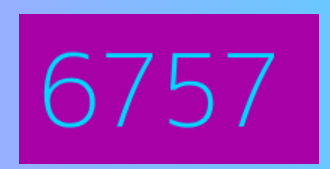
This API generates placeholder images with customisable text to visually represent dynamic data (e.g. the number from the Numbers API). It uses a dynamic URL with specified text (like a number) and colour scheme to generate and display the image in real time.
Steam API - Steam Game Stats
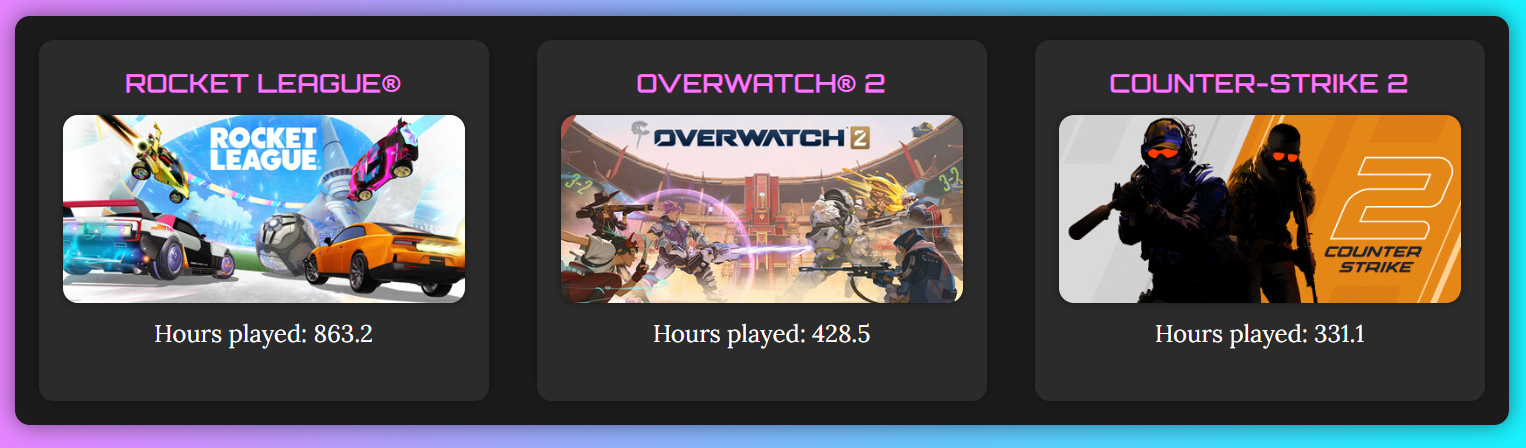
This API showcases my gaming interests by pulling real-time stats and information about my most played games. It fetches and displays game details, such as hours played, images, and names for the chosen games.
Yurripe - Anime Quotes
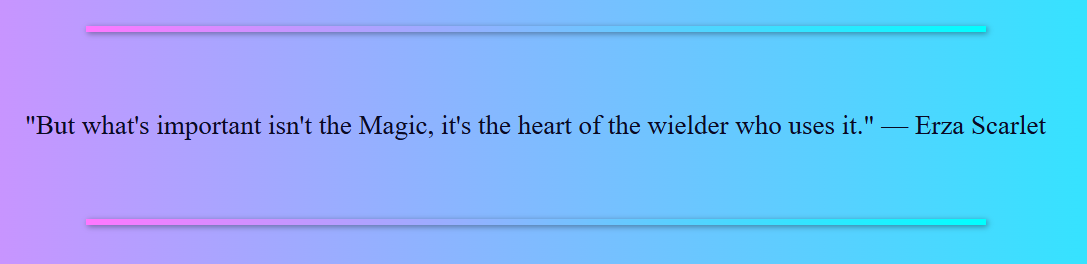
This API adds a touch of anime culture, which is one of my personal interests, making the site feel more authentic and reflecting my passions. It retrieves a random quote from an anime character and displays it on the site.
Collapsing Navbar
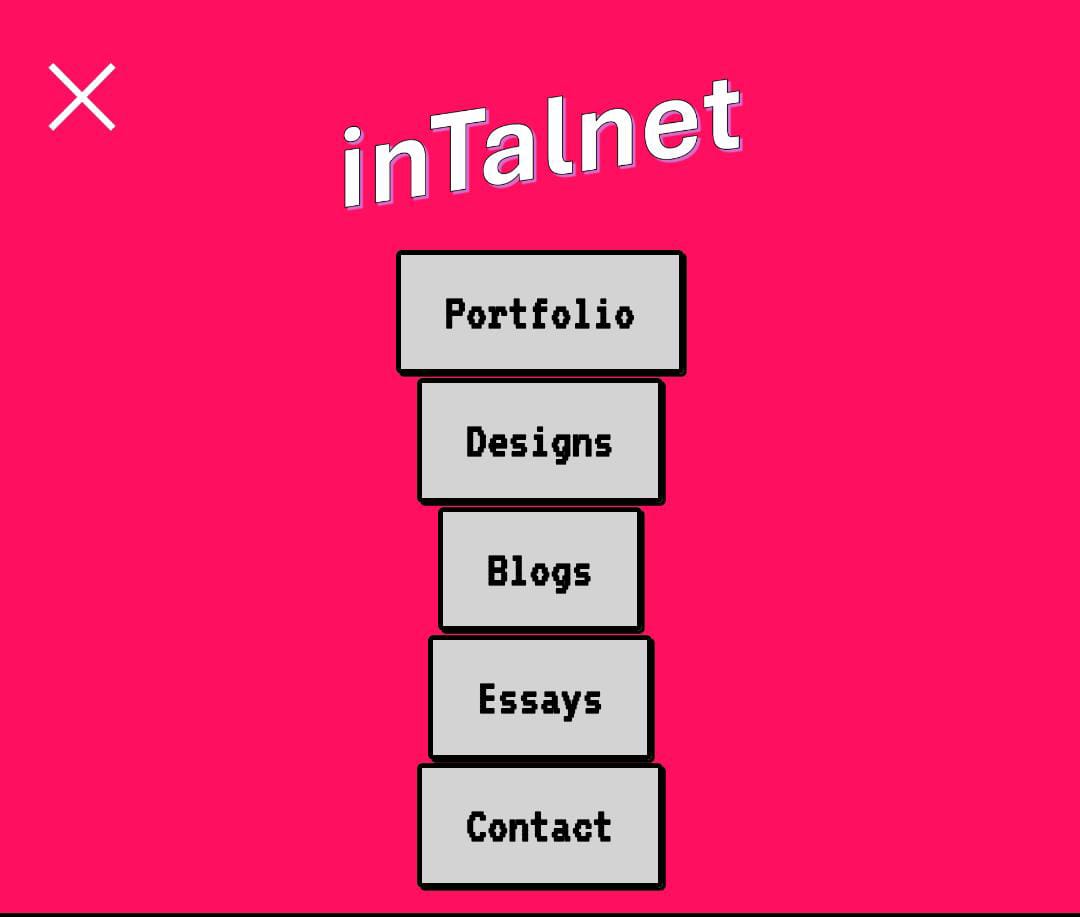
To improve accessibility and usability, I added a collapsible navbar on mobile devices. My navbar disappears when the user scrolls down and reappears when they scroll up, which was intended for a cleaner browsing experience. However, I realized this might pose challenges for users with mobility or accessibility issues who might struggle to scroll just enough to dismiss the navbar and continue reading. To address this, I added an “X” button that allows users to easily hide the navbar whenever needed. This makes the site more inclusive and ensures that the content remains accessible and readable, even on smaller screens.
CV Styling
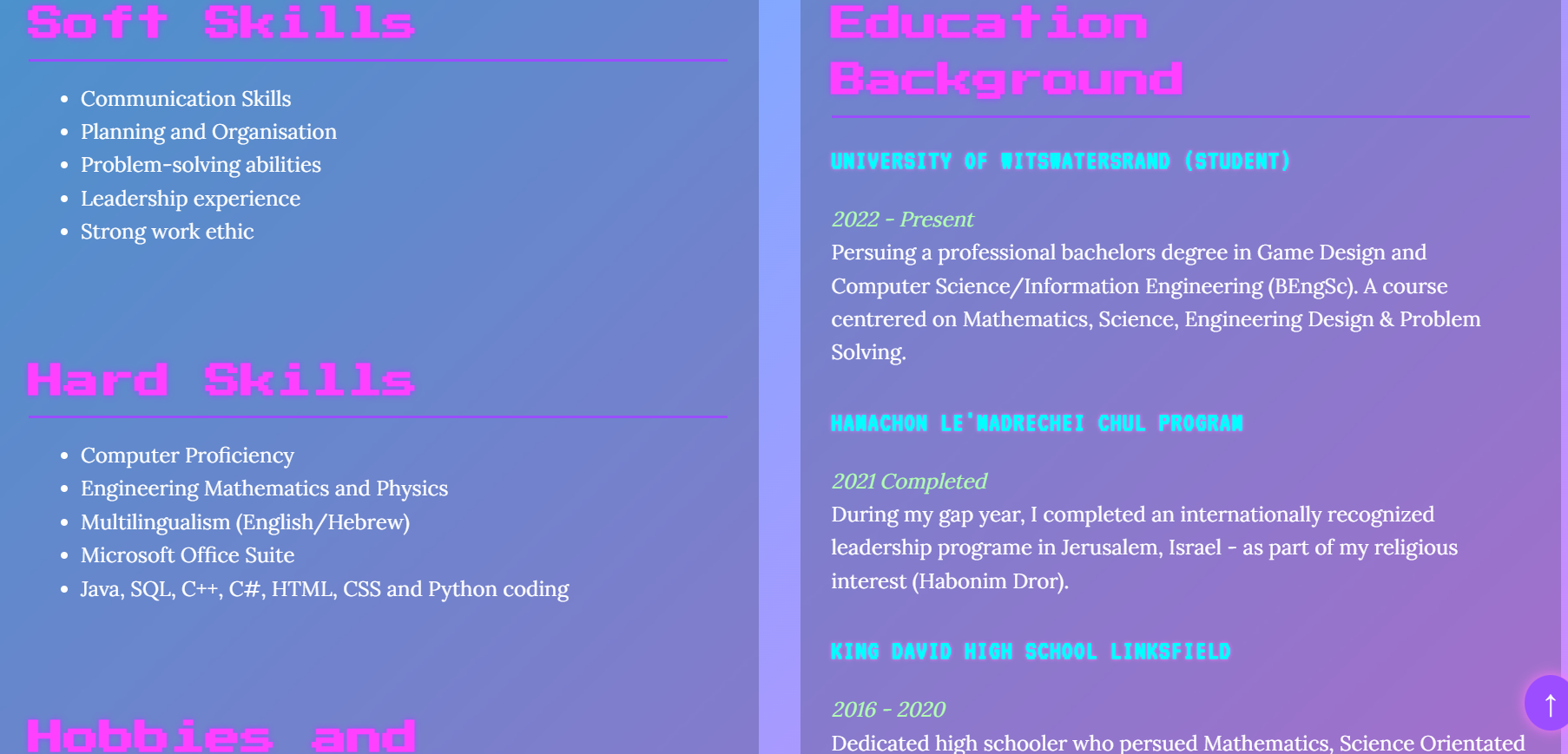
I significantly refined the styling of my CV page to align with the vaporwave aesthetic of my site while maintaining readability and professionalism. The improved design:
- Enhances the overall cohesiveness of the site's theme.
- Increases text contrast and alignment for better legibility.
- Provides a more digestible layout for employers and users with accessibility needs.
This ensures that visitors-especially potential employers-can clearly and comfortably review my qualifications and experiences.
Improved Alt Tags
I added meaningful alt tags to many of the images across my site, particularly in the Games section. Each game screenshot now has a descriptive alt tag that explains what's in the image. This is especially important because different screenshots may show different parts of a game (e.g. menus, gameplay, or unique features), and visually impaired users using screen readers deserve to know what each image conveys. This improvement enhances accessibility and makes my site more inclusive.
Footer Icons

I enhanced the footer by adding social media icons alongside the existing text. This allows users to quickly find and access my social media profiles. For example, potential employers can click the email icon to contact me instantly. I also included ARIA labels to ensure screen readers can identify and announce these icons properly-making them accessible to users who rely on assistive technologies.
Improved Folder Structure
I organised all global or reusable scripts, styles, and images into dedicated folders within the root directory. This modular approach:
- Simplifies the folder structure.
- Improves maintainability and reusability across the entire site. I also created a Homepage folder to contain files specific to that page. This change reduces clutter in the root directory, avoids confusion with similarly named folders, and keeps everything neatly compartmentalised which makes the project easier to navigate and scale.
Favicon

I implemented a favicon on every webpage. This helps to reinforce my own personal branding - appealing to potential employers. It also adds to the website's theme and aesthetic.